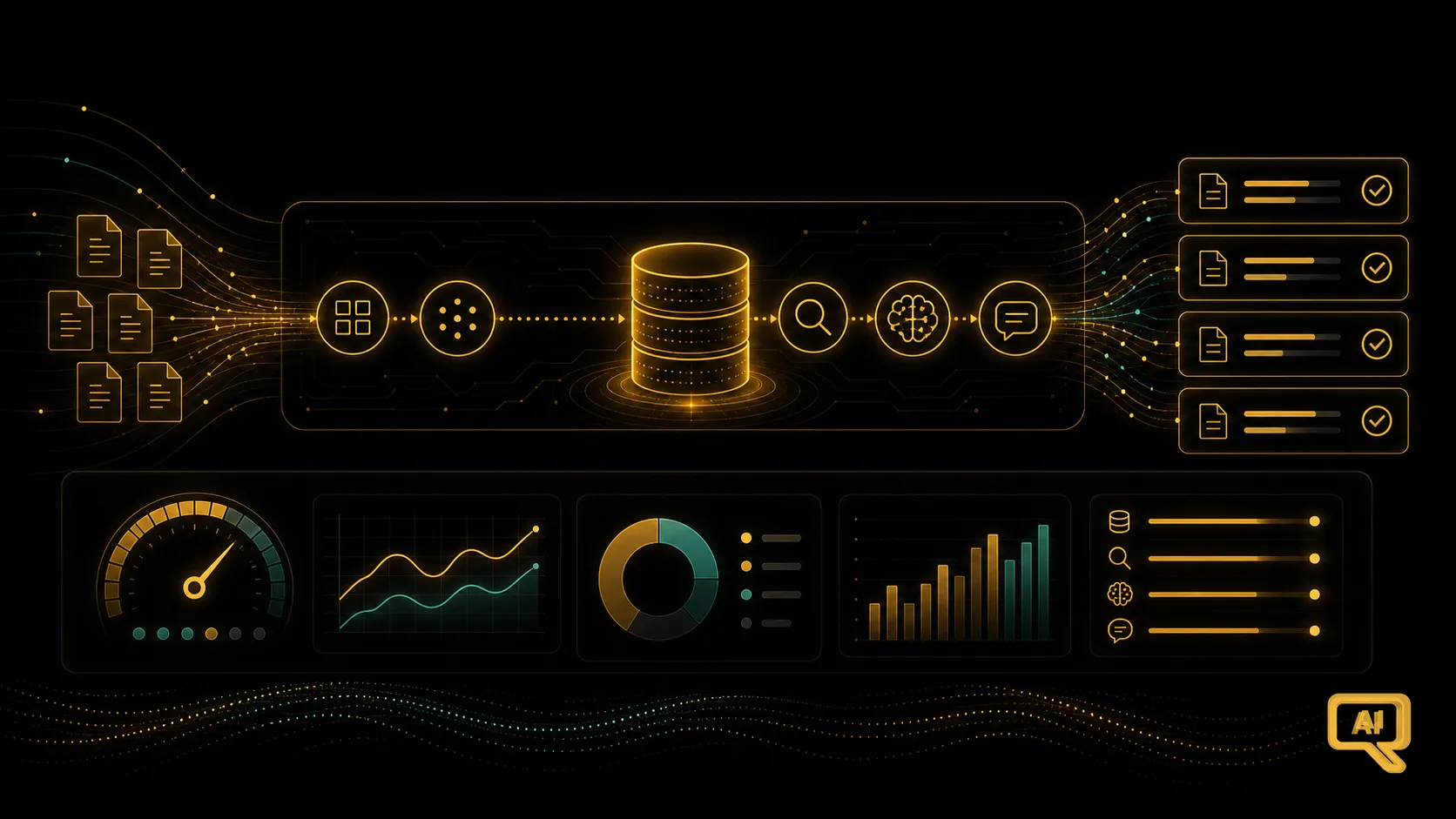
Here we are, the last article of the RAG track. If you’ve followed along, you’ve built up a genuinely capable mental model: the idea, the semantic search underneath it, the vector database, the chunking, the pipeline, the upgrades (re-ranking, hybrid, advanced retrieval, and even the agentic version), and the evaluation habit that keeps you honest. That’s more than enough to build something impressive and get real value from it.
But there’s a last mile between an impressive system and a dependable one. The moment your RAG system is used by real people, day after day, at real scale, a fresh set of concerns quietly moves to the front: how much it costs, how fast it feels, how you know it’s still working, and what happens when documents change. This article is about that last mile. Nothing here is exotic; it’s mostly a matter of paying attention to the right things. Figure 1 lays out the shape.
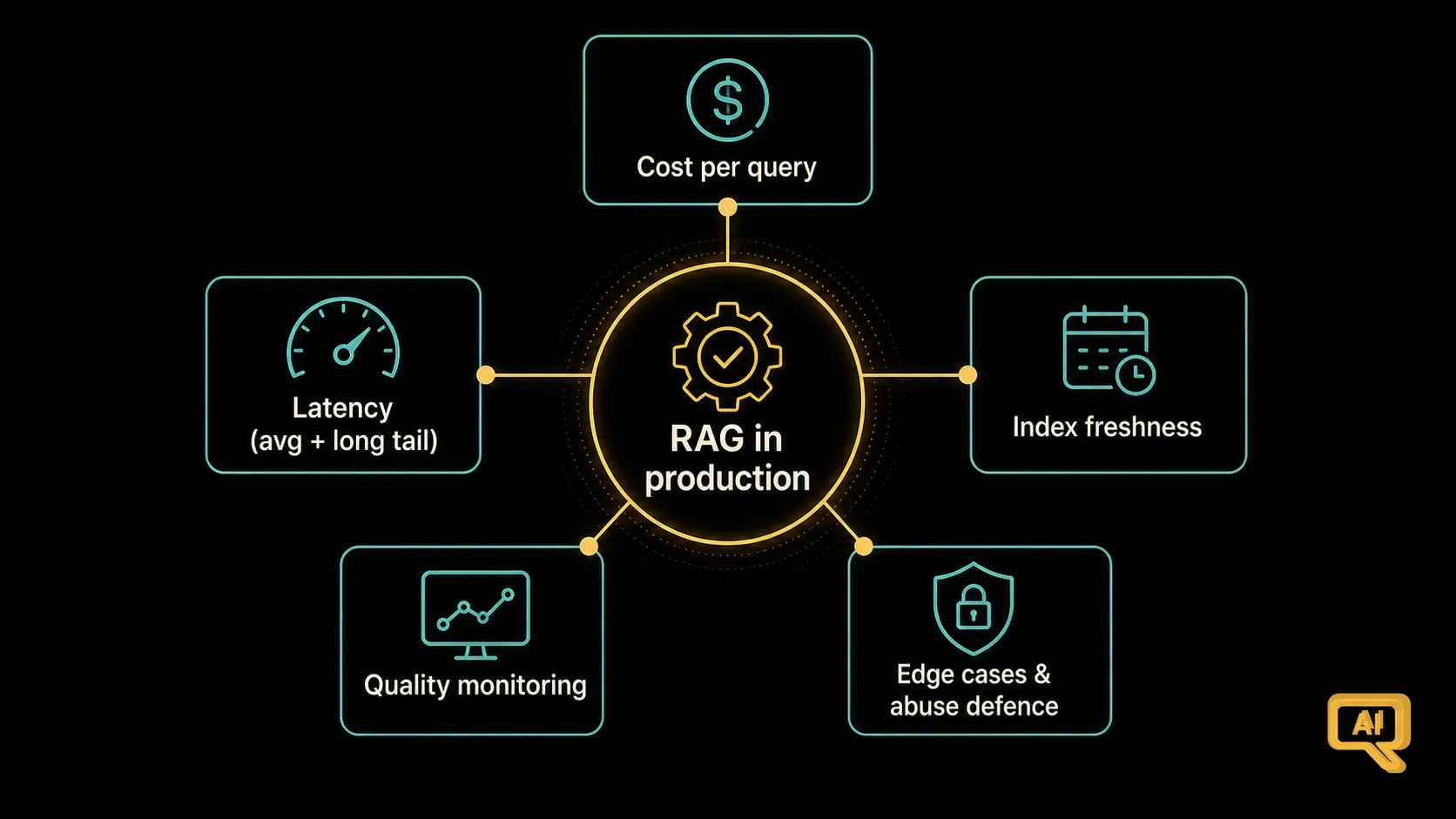 Figure 1: Once RAG is in production, five concerns move to the front: cost per query, latency, keeping the index fresh, monitoring quality, and defending against edge cases and abuse.
Cost: know what a question actually costs you
The most common shock people hit in production is the bill. A single question in a RAG system triggers several things that cost money: one or two model calls (query rewriting or re-ranking, then the final generation), an embedding call for the query, a vector database lookup, and, if you’re using an agentic setup, possibly more of each. It adds up faster than a first-time builder expects.
The good news is that once you look at the bill honestly, most of the levers to reduce it are within your reach. A few of the ones that consistently pay off:
- Cache popular queries. Many users ask nearly the same question. Cache the retrieved chunks (or even the final answer) for a short window, and you skip the whole pipeline on cache hits. Even a modest cache hit rate meaningfully cuts costs.
- Send fewer chunks to the model. Each chunk you include is more tokens, and tokens are the meter. If your prompt is stuffed with ten chunks and only three are useful, you’re paying for the other seven. Tighter top-k and a good re-ranker together reduce noise and cost.
- Right-size the model. Not every question needs your most expensive model. For simple lookups, a cheaper, faster model does fine, and you can route trickier questions to the stronger one. This “model routing” is one of the highest-ROI habits in mature systems.
- Compress your prompts. Long system instructions, verbose formatting, and repeated boilerplate all cost tokens. A small pruning pass on your prompt template is often surprisingly rewarding.
The mindset that matters here: measure cost per query, not just the monthly total. A per-query number tells you which changes are actually helping.
Latency: how fast it feels
Users don’t care about your architecture; they care about how long they wait. And RAG has several stages that can each add a few hundred milliseconds without you noticing, until you add them together and the whole thing takes four seconds. Latency is worth watching stage by stage.
The typical spend is: query embedding (fast), vector DB search (fast), optional re-rank (a little slower), model generation (usually the biggest chunk). Multi-step or agentic setups add another round-trip for every extra retrieval. Two practical moves that consistently help:
- Stream the answer so users see the response begin appearing right away, even if the full text takes longer. Perceived latency drops enormously, and this alone often takes an application from “too slow” to “feels snappy.”
- Do things in parallel where you can. For example, if your setup uses hybrid search, the semantic and keyword searches can run at the same time rather than one after the other. Every parallel opportunity you spot saves real seconds.
If you inspect a slow request end-to-end and look at where the time goes (many frameworks make this easy to log), the bottleneck is usually obvious and the fix is usually small.
Keeping the index fresh
Here’s a subtle production concern that catches people out: your documents change, but your vector database doesn’t magically know that. New documents get added. Old ones get updated or removed. Prices change. Policies change. If your index isn’t kept in sync, users get confidently wrong answers based on stale information.
Every serious RAG system needs a plan for keeping the index up to date. Two patterns cover most cases:
- Scheduled re-indexing. Every night (or week, or hour, whatever suits), a job walks over your source documents, checks what’s new or changed, and updates the embeddings and metadata accordingly. Simple, robust, easy to reason about.
- Event-driven updates. When a document is created, changed, or deleted in your source system (say, a wiki edit or a CMS update), an event triggers the re-indexing for just that document. Faster to reflect changes, a bit more infrastructure to build.
Either way, the key is not letting your index quietly drift away from reality. It’s genuinely surprising how quickly a beautifully-built RAG system becomes untrustworthy when nobody’s watching whether the underlying documents still match what’s in the database.
Monitoring: the dashboard that catches problems early
Testing (from the last article) tells you how your system does on your examples. Monitoring tells you how it’s doing on real traffic, right now. Both matter, and monitoring is the one people underinvest in. Figure 2 shows the handful of signals worth watching every day.
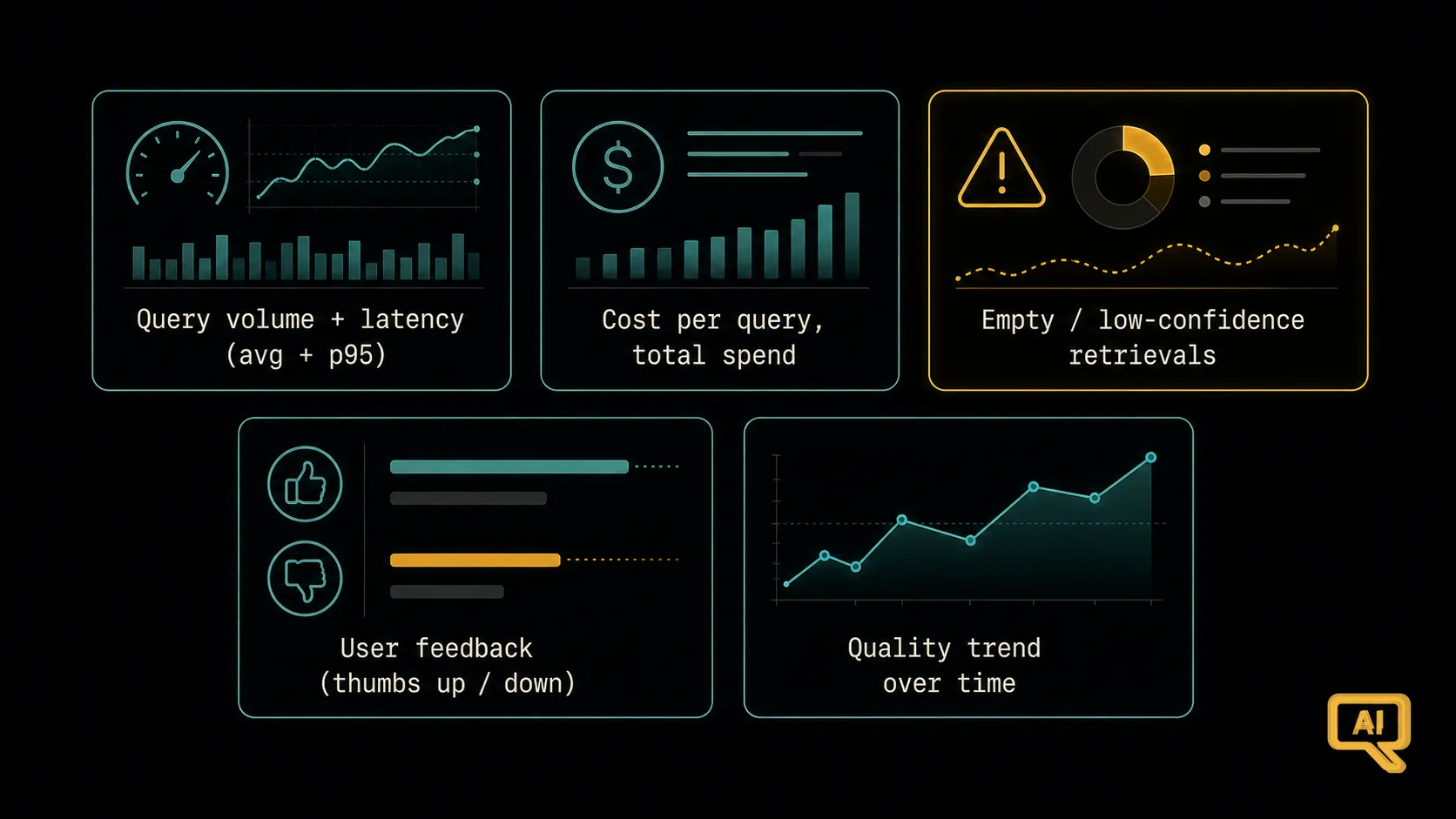 Figure 2: A minimal but useful monitoring dashboard covers query volume, latency (average and worst case), cost per query, retrieval “no result” rates, and user feedback (thumbs up/down, or a quick sample review). Together they tell you when quality drifts before your users tell you.
The signals I’d start with:
- Volume and latency. How many questions per minute, and how long they take. Watch the average and the slowest few percent (the “long tail”), because a small fraction of very slow queries can wreck user experience.
- Cost per query and total spend. So a small pricing surprise doesn’t grow into a big one.
- “Empty” or low-confidence retrievals. How often does your system fail to find any strongly relevant chunk? A rising rate usually means either your index is stale or users are asking new kinds of questions your documents don’t cover, both of which you’d want to know about early.
- User feedback signals. A simple thumbs up/down on answers, or a periodic sample review, gives you a direct read on quality without needing to guess.
You don’t need a fancy tool for any of this on day one. A simple daily log and a quick weekly look is far better than nothing.
The edges: what happens when things go weird
Production RAG has to survive the messy real world, and a small amount of defensive design goes a long way. A few things worth having in mind:
- What happens when retrieval finds nothing? Your system should honestly say so (“I couldn’t find that in the documents”) instead of asking the model to answer anyway. This isn’t just a UX nicety; it’s a hallucination defence, and it’s easy to enforce in the prompt.
- What happens with truly awful queries? Empty strings, gibberish, extremely long inputs. A little input validation prevents a lot of downstream misery.
- What about untrusted input? If your RAG system reads user-supplied text (a user pastes in a document to be summarised, for instance), remember the prompt-injection basics from the Prompt Engineering track. Delimit that text, treat it as data, and don’t grant the model dangerous capabilities based on it.
- What about privacy and access? Different users may have different access to different documents. Metadata filters (“only search chunks this user is allowed to see”) are how you enforce that. Get it right early; retrofitting it later is painful.
From building a demo to running a system
Look back at what this track built. You started with the elegant idea of grounding a model in your own documents, and step by step you’ve assembled the whole picture: how to search by meaning, where to store the embeddings, how to prepare the documents, how the pipeline fits together, how to sharpen and broaden retrieval, how to handle harder questions, how to add real autonomy when it earns its keep, how to know whether you’re improving, and now, how to run the whole thing in the real world.
That’s not a bag of tricks. That’s a working craft. RAG is the pattern behind an enormous share of practical AI applications today, and understanding it at this level lets you not just build them, but build them well, and, just as importantly, know why they work when they do and where to look when they don’t.
If you’d like to keep going, the natural next stops are close by. The Prompt Engineering track (which you’ve been implicitly using throughout this one) sharpens the crucial “grounded answer” prompt and everything around it. The Fine-Tuning & LLMOps track picks up the production thread we just touched on and takes it deeper. And the Agentic AI track picks up exactly where agentic RAG dropped you, into the world of systems that decide, act, and use tools in the wider sense.
Thank you for coming the whole way. Go build something useful.
This completes the RAG track. Ready to sharpen the prompts your RAG system relies on? Continue with the Prompt Engineering track. Interested in agents that go beyond retrieval? Try the Agentic AI track.